DEVSECOPS
Cloudflare OS Test Drive: I set up AI on my own account, here's what stuck
At the Cloudflare OS Test Drive lab I set up AI Gateway, DLP, Guardrails, MCP Portal and Dynamic Routing on my own account. Where I got stuck, the cost item that surprised me and what to check before trying it at work.
In one sentence
At Cloudflare OS Test Drive I routed AI calls through AI Gateway and controlled them with DLP, Guardrails and MCP Portal; the places I got stuck taught me the most, and I wrote every step into a technical document.
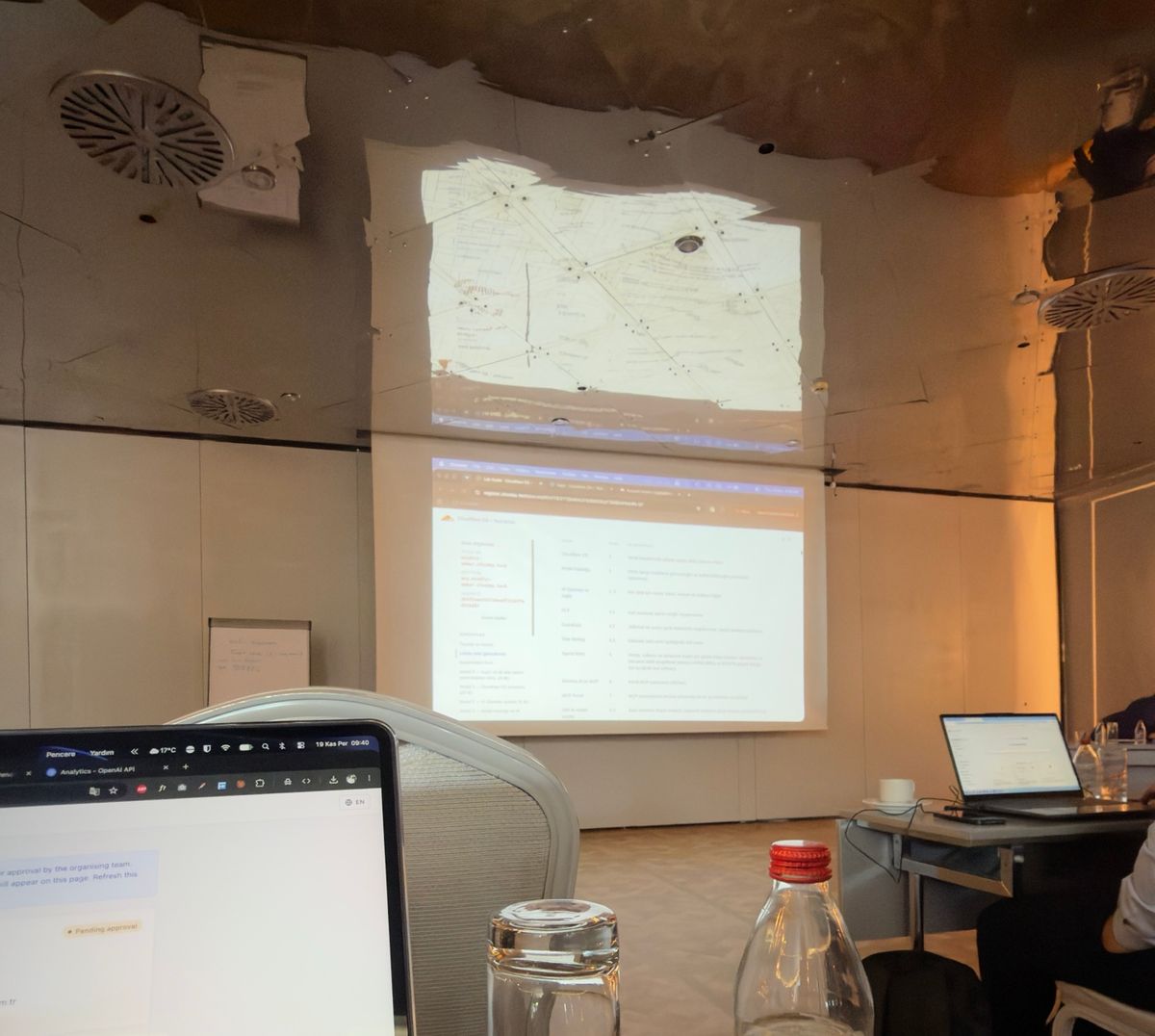
Yesterday I was at Cloudflare's Cloudflare OS Test Drive workshop. The day opened with a talk by Cloudflare CIO Sam Rhea, and then for about 4 hours everyone worked through the same lab on their own laptop. I went all the way and completed every step.
Right after the lab I turned everything I did, the values I entered and the prompts I used into a reproducible technical document. This post isn't a short version of that document; it's more of a "what I built, where I got stuck, what stuck with me" note. If you want to do the setup step by step, head to the document.
What we built
The idea of the lab is simple but wide in scope: send all of an organization's AI usage through a single control point. I deployed Cloudflare OS on Workers in my own account, protected the sign-in with a one-time PIN through Cloudflare Access, and routed every model call OS made through AI Gateway. Since the models run on Workers AI, I didn't need an API key or a credit card for a paid provider.
On top of that I added, in order: a DLP rule that keeps card numbers away from the model, Guardrails to stop harmful content and jailbreak attempts, a rate limit and spend limits. Then I wrote my own MCP server, put it behind MCP Portal and connected it to OS. By the end of the day I had a scheduled task that emails me a report every weekday at 08:30 and a skill that builds a slide deck from one command.
DLP is on, but nothing gets caught
The first place I got stuck was DLP. I added the policy, flipped the switch, sent a message with a test card number, and the message went straight to the model. For a while I thought I had set the policy up wrong. Then I noticed that the detection entries inside the built-in DLP profiles are off by default. Once I enabled the Visa, Mastercard and American Express entries in the Financial Information profile one by one, the same message was blocked before it reached the model with 424, code 2030.
I think this matters for organizations, because someone looking at the policy list could report "DLP is on" while nothing is actually being scanned. "Are the detection entries inside the profile enabled?" belongs on the checklist.
Safety comes with a bill
On the Guardrails side, prompts asking for a jailbreak or malicious code were stopped with 2016 as expected. What really surprised me was the Analytics screen: the biggest token and cost consumer wasn't the chat models but llama-guard-3-8b, which Guardrails runs in the background on every request.
That has two practical consequences. First, when you plan costs, every chat request comes with an extra scanning inference. Second, the rate limit counts those scans too; when I kept the limit low, even my normal messages were blocked with 2016, because when the scan hits the limit the gateway fails safe and stops the message. The error code looks like "harmful content", but the real cause was the rate limit.
No identity, no idea who's spending
On the User Insights screen, all spend showed up as "Unidentified". The reason is simple: my gateway wasn't behind Access, so requests couldn't be tied to a user. In the report I generated at the end of the lab, a large share of requests was "untagged" too. If you want to answer "who is spending how much on which model" at work, you need to tie the gateway to identity from the start.
MCP tool descriptions are prompts
While writing my own MCP server I noticed that tool descriptions steer the model's behavior directly. The sentence you write in a description about "when to use this tool" is an instruction to the model. MCP Portal lets you edit those descriptions, give tools aliases and choose which tools a user sees, which also means tool descriptions need code review. A malicious or careless description can push the model to call the wrong tool.
The guide had a step for turning off a tool in the portal; I couldn't test it, because the tool menu only had Edit. The UI may differ from the version the guide was written for; I noted this in the document.
Falling back to a cheaper model when the quota runs out
My favorite part of the lab was Dynamic Routing. Instead of a model name in code, you call a route defined in the gateway. The route applies a quota of 2 requests per hour per user; detailed reports within the quota are written by GLM 5.2, and once the quota is used up, requests fall back to Mistral Small 3.1. The code doesn't change; you edit the flow in the dashboard and deploy it.
I made a small mistake here too: I picked Requests per minute as the rate limit unit by accident. Since more than a minute passed between report requests anyway, the fallback never fired and I thought the flow wasn't working. After switching the unit to hours, the third request went to the cheaper model as expected. Seeing a single dropdown disable all of the cost control was a good reminder.
What I'd check before trying it at work
If I were turning this lab into a PoC at work, I'd start with this list:
- DLP: Next to the policy, confirm the detection entries inside the profile are enabled one by one, and test with realistic test data.
- Guardrails cost: Add the extra inference per request to the budget and to your rate limit math.
- Identity: Put the gateway behind Access; otherwise spend and security events aren't tied to people.
- MCP tool descriptions: Review descriptions like code, and enable only the tools each user needs in the portal.
- Spend limits: Know that the rules only block Unified Billing and BYOK requests; on Standard billing, build budget control with Dynamic Routing.
- Token permissions: If a Worker calls another Cloudflare API, grant permissions correctly up front; the first error will most likely come from there.
If you're doing the same lab or evaluating these products at work, keep the technical document open next to you. If you have questions, I'm happy to help.
Sources: Cloudflare AI Gateway docs · Cloudflare Zero Trust (Cloudflare One) docs · Workers AI docs